Get Started
Join with your name and phone number. Your welcome offers appear in your member view.
Your new rewards journey starts here.
We Greatly Appreciate Your Business.
Claim an eligible repair offer to get an offer code tied to your Member ID. PhoneBoss confirms it after your paid service.
Explore our services below, then join when you’re ready. Your referral ID stays with this visit.
Browse our services without an account. Request a quote or roadside help anytime. Join when you’re ready to book or shop.
 Authorized Dealer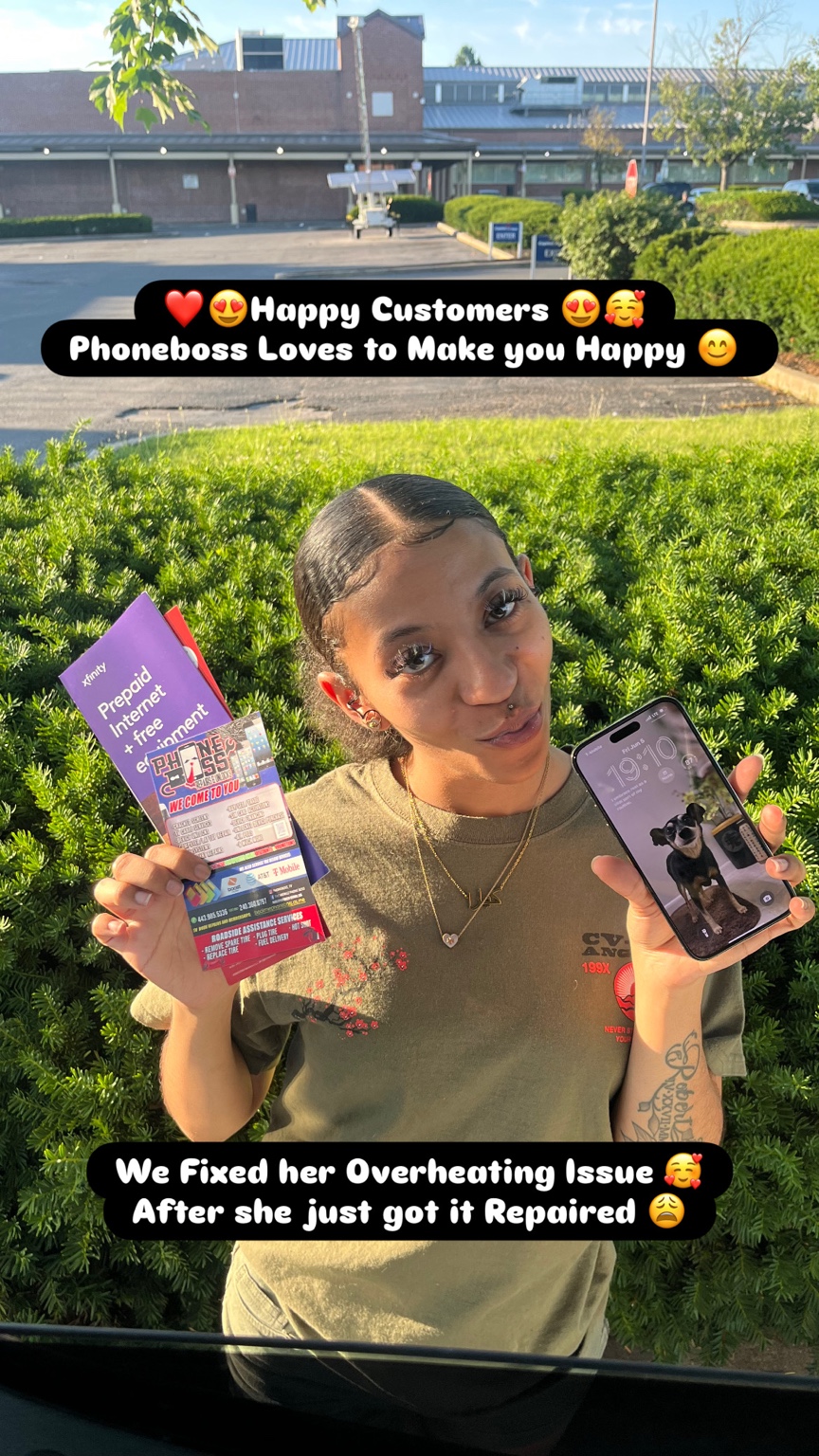
Leave us a review.
“I got clear information about the repair and what would happen next.”
“Getting help at my location made the day easier.”
“I understood my options before deciding on the service.”
Choose a service below to get started.
Join the app, make purchases, and collect points to unlock more rewards.
Draft rewards only. Past Clover visits are not imported. PhoneBoss can approve a one-time 50-point bonus for a previous customer after their first completed repair in the new program.
See your offers, earn points on eligible purchases, and keep your rewards in one place.
Join through this link to keep the referral attached to your signup. Referral points are a preview until secure accounts are connected.
PhoneBoss creates your invitation first. Scan this QR, enter the one-time activation code PhoneBoss gave you, then set your own password. The QR alone cannot create an influencer account.
Invitation page preview only. Secure code verification and influencer accounts are not connected yet.
Join with your name and phone number. Your welcome offers appear in your member view.
Member sign in will open after secure customer accounts are connected.
We appreciate your business. Join PhoneBoss to keep your rewards and offers in one place.
And much more. Ask us what we can help you with.
After joining, add PhoneBoss to your Home Screen for quick access to your rewards and services. Customer signup and member access are still being connected; the finished app is not ready for customers yet.
iPhone: open in Safari, tap Share, then Add to Home Screen. Android: open in Chrome, tap the menu, then Install app or Add to Home screen.
Guest preview only. This page does not create or verify a real account yet.
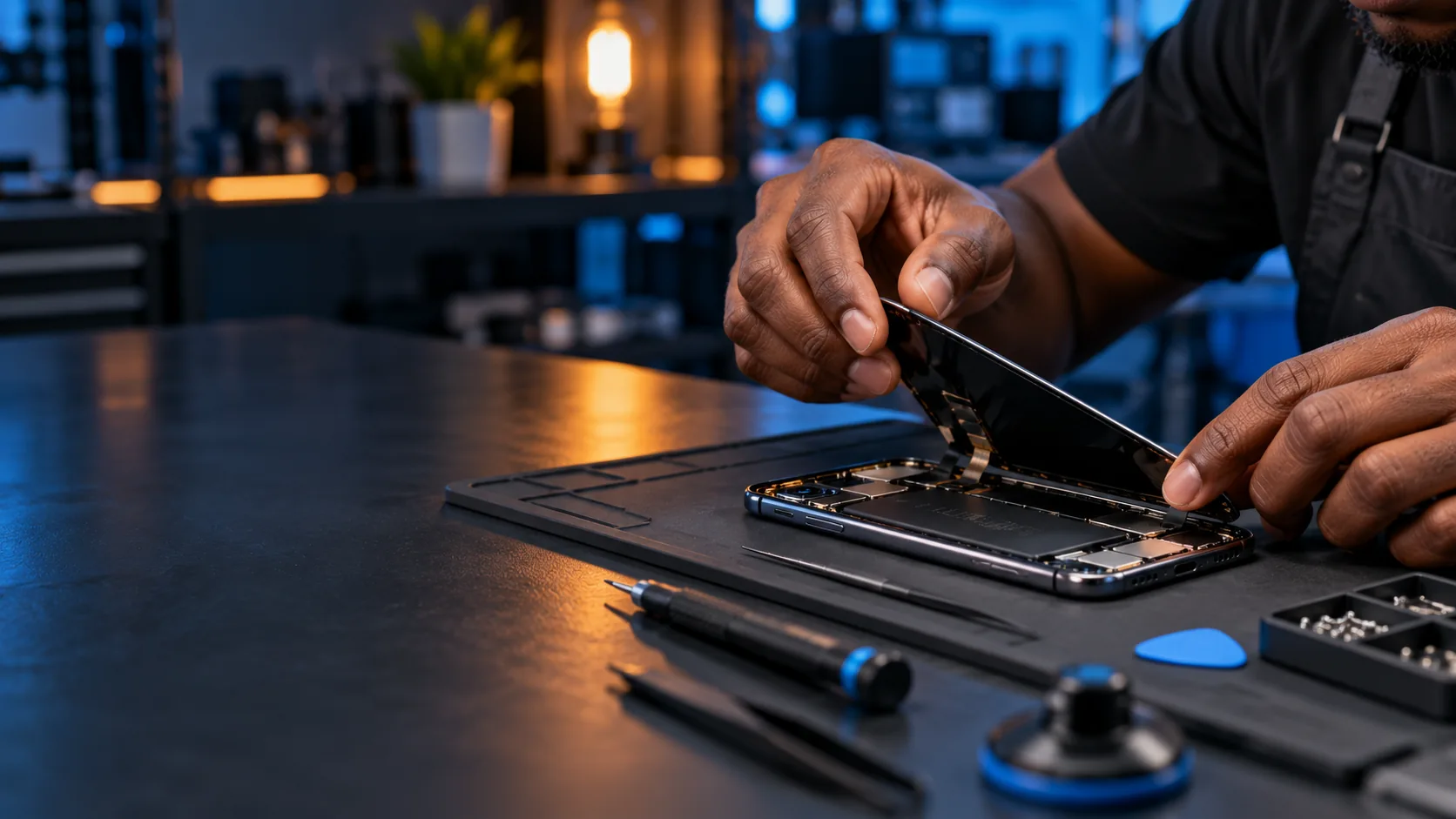
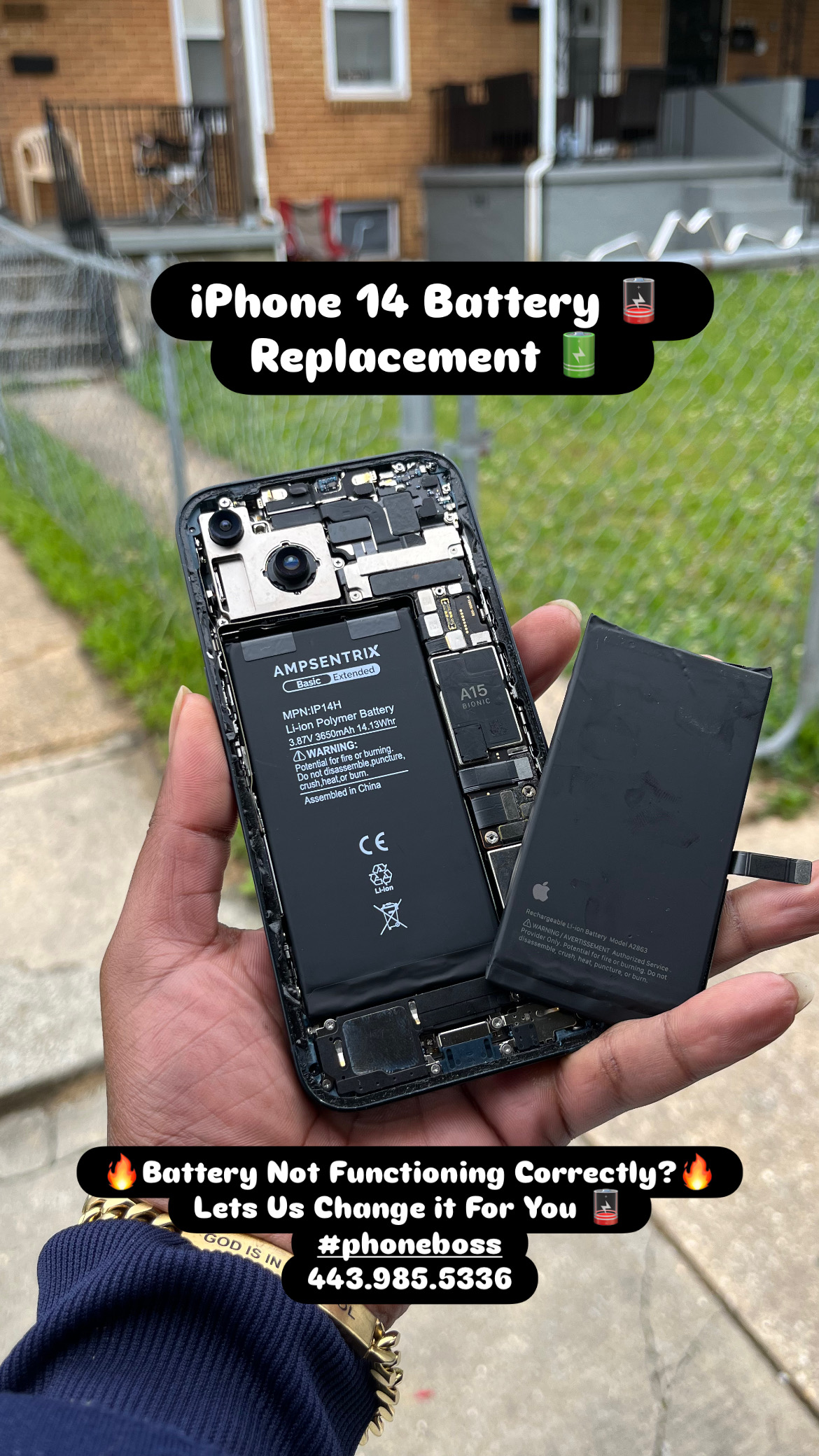
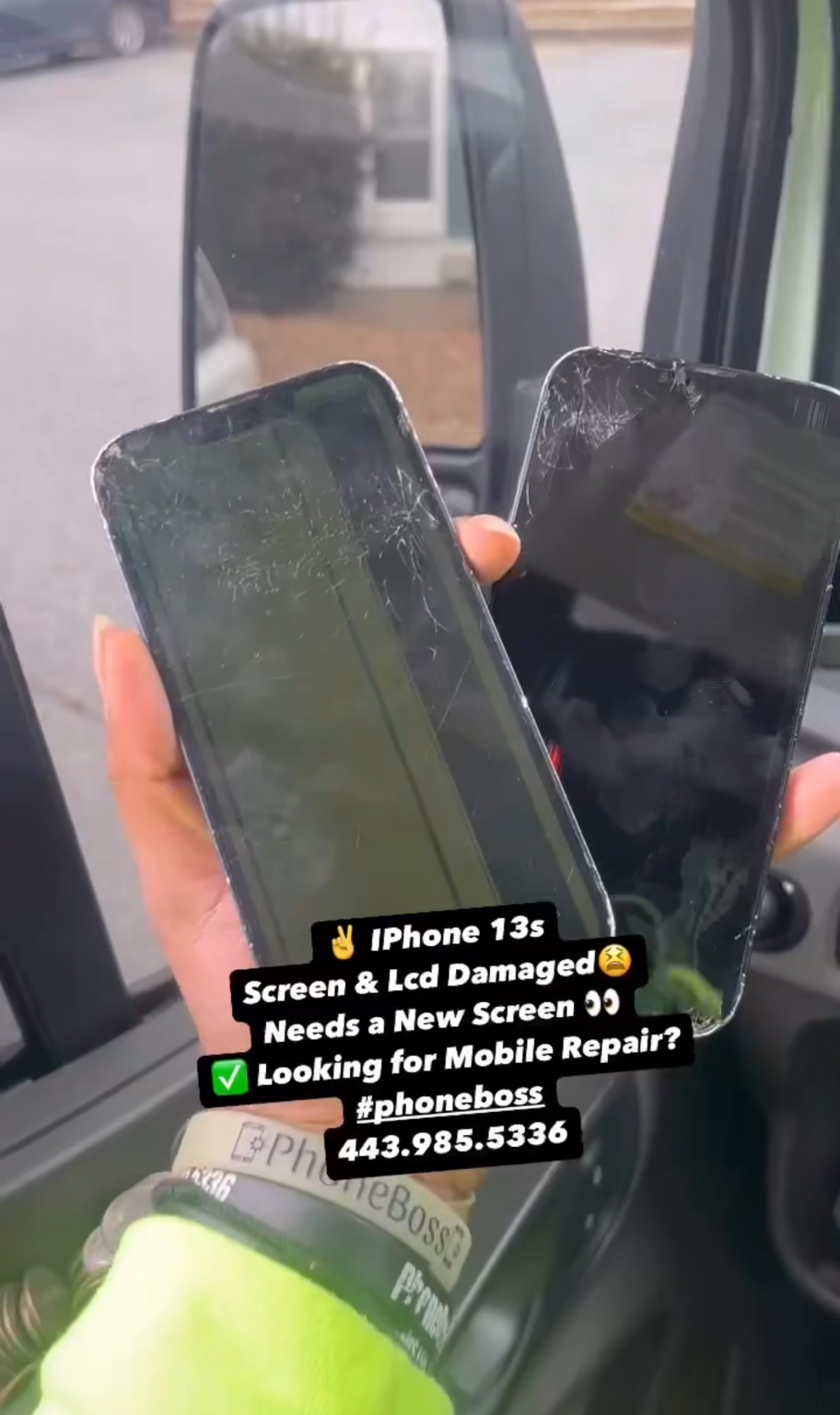
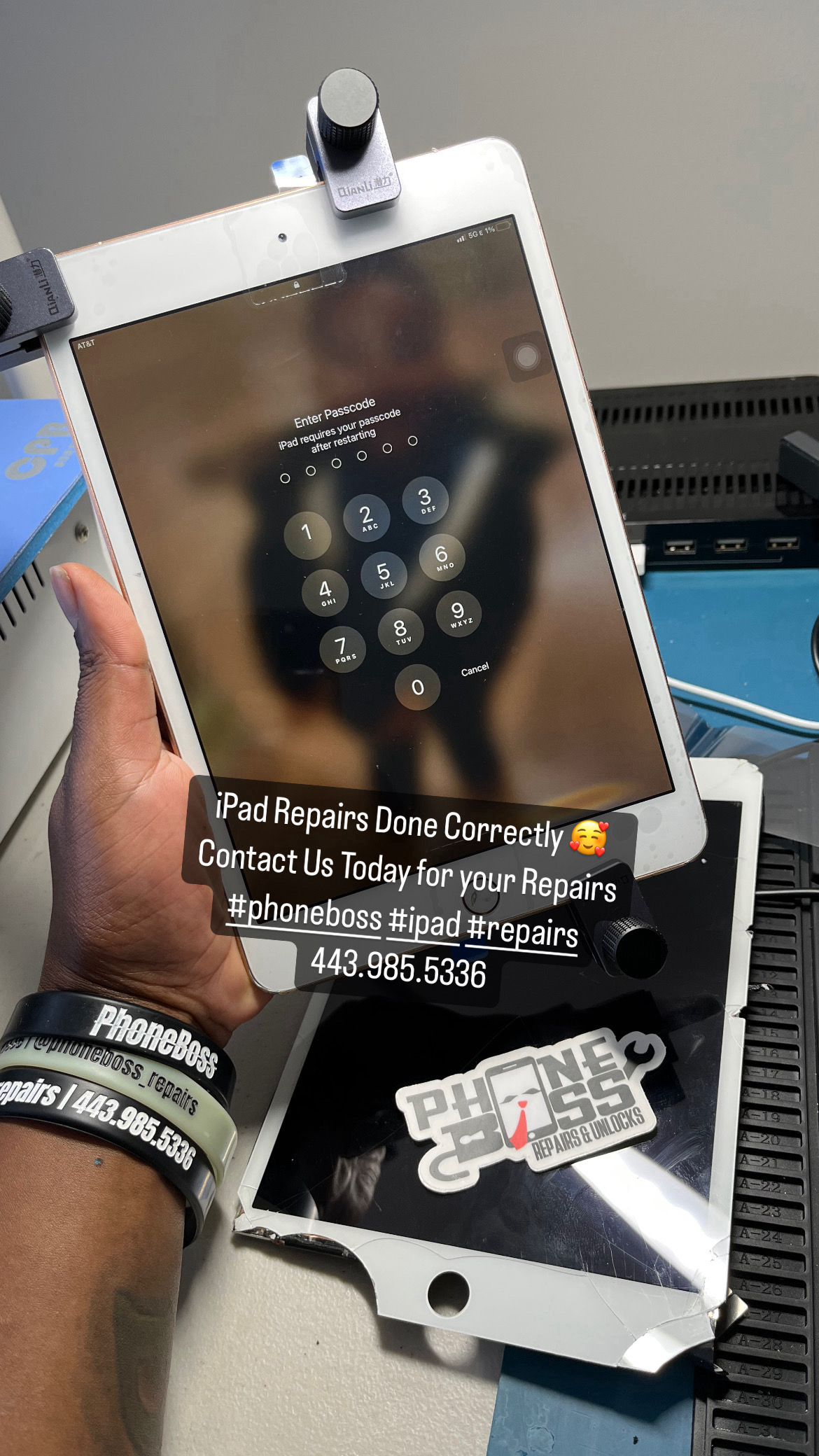
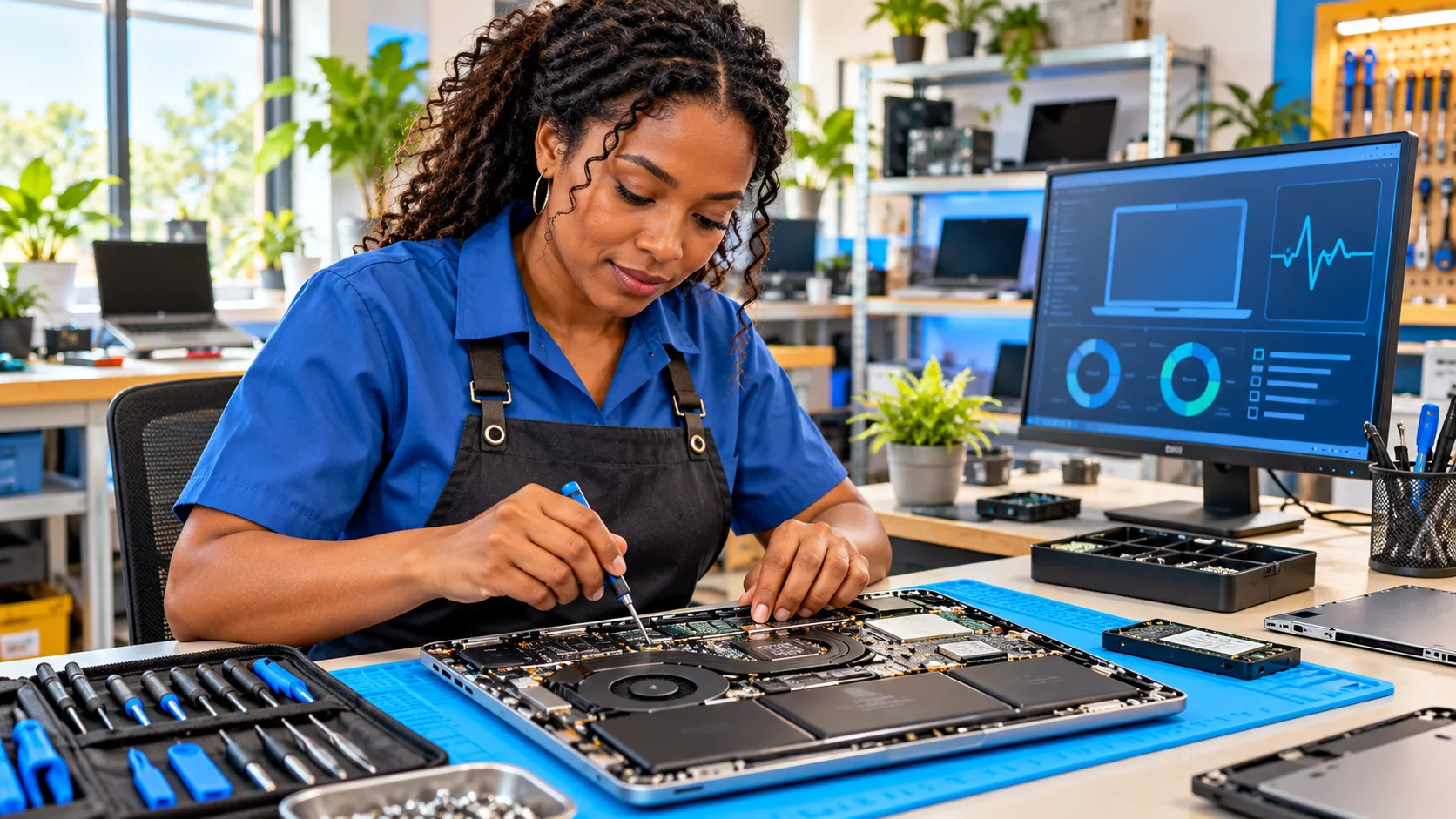
Phone, iPad, and computer diagnostics and repairs.
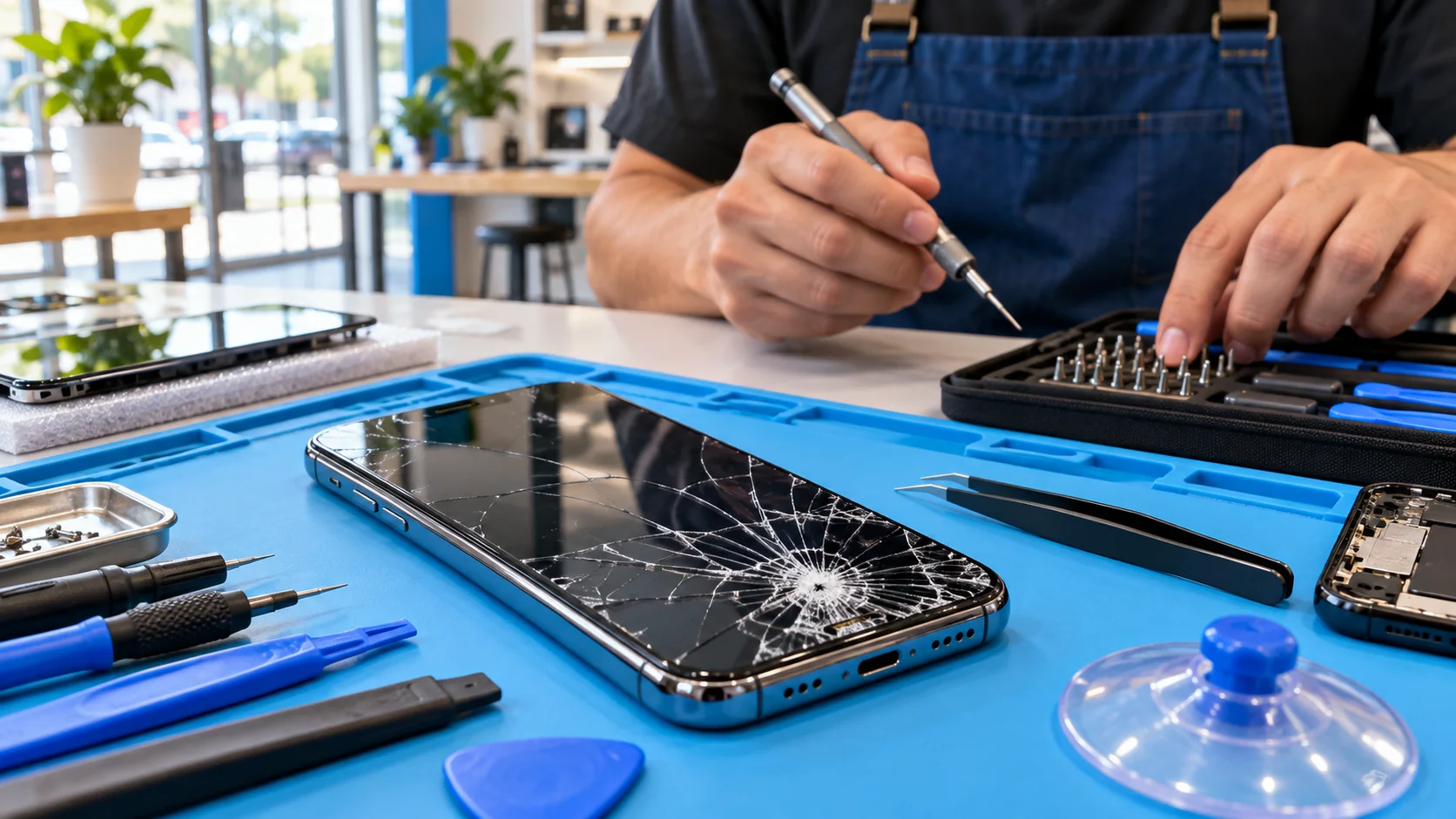
Meet us by arrangement or ask for service at your location. We’ll confirm any travel fee before the visit.
Tell us about the repair and your preferred time. We’ll follow up to confirm.
Request an Appointment ↗Know what repair you need and ready to pay the deposit? Booked appointments come first.
Book an Appointment ↗Come meet PhoneBoss for an iPhone repair instead of having us come to you. Choose a time below and text your request; we will confirm the time and meetup location.
See Today’s Times ↓Appointment requests are reviewed and confirmed after we follow up. A meetup text is also a request until PhoneBoss confirms it.
| Day | Business Hours | Travel Service Hours |
|---|---|---|
| Monday | 9 AM–9 PM | 10 AM–7 PM |
| Tuesday | 9 AM–9 PM | 10 AM–7 PM |
| Wednesday | 9 AM–9 PM | 10 AM–7 PM |
| Thursday | 9 AM–9 PM | 10 AM–7 PM |
| Friday | 9 AM–9 PM | 10 AM–7 PM |
| Saturday | 9 AM–5 PM | 10 AM–5 PM |
| Sunday | Closed | Closed |
These hours match the landing page. Please confirm appointment availability with PhoneBoss.
Use the same-day iPhone meetup form above. We’ll text back with the confirmed time and location. For another day or another device, request an appointment.
Ask for service at your location. A travel fee may apply depending on your location, and we’ll confirm it before the visit.
General guidance. Specific warranty and fee terms will be confirmed with you before service.
We inspect the device and explain the proposed repair and price before starting. If we discover another issue or the cost changes, we’ll contact you for approval before doing additional work.
Please tell us about cracks, liquid exposure, a bent frame, prior repairs, or other problems when you check in. Damage or weakness already present can affect the repair and may become more visible during disassembly. We’ll explain known risks and discuss any newly found issue with you.
If you believe your device was damaged while in our care, tell us as soon as possible. We’ll document its condition, review what happened, and discuss an appropriate resolution with you.
Back up important photos and files before service when possible. Some repairs or troubleshooting may affect stored data. We’ll only request device access when it’s needed to test or complete the agreed service.
We’ll explain the parts used for your repair. Any specific parts or labor warranty, including its length and coverage, will be stated on your repair paperwork.
I authorize PhoneBoss Repair technician(s) to perform repair work on my electronic device. I understand that PhoneBoss Repair technicians have been trained to perform work on electronic devices but PhoneBoss Repair is not an authorized service dealer.
Further, I agree to release, indemnify, and hold PhoneBoss Repair from liability for any claims or damages of any kind or description that may arise from any repair work performed on my electronic device, unless it is cause by severe negligence of PhoneBoss Repair or its agent.
I understand that PhoneBoss Repair is not responsible for any data loss, which may occur as a result of work done on my electronic device. I also understand that I have the option to, and I am responsible for backing up the device before allowing any repair to be performed on my device in the event of any data loss and hardware or software failure.
I understand that PhoneBoss Repair will not browse through any personal, private or confidential information or data; however, technicians may inadvertently see data during the course of their work. I understand that any confidential data should be removed from the device prior to having repair work performed on the device.
I understand that repairs or technical support performed by Phoneboss Repair may void manufacturer warranties, especially in the case of iOS device repairs. PhoneBoss Repair and its affiliates do not assume any liability or warranty in the event that the manufacturer warranties are voided but may, at its sole discretion, offer its own warranty on the parts and/or services performed.
Tell us about your device and repair in the PhoneBoss request form. We’ll review it and follow up with a quote.
Request a Quote ↗Got a new device? We consider phones, tablets and computers, including damaged, carrier blacklisted and iCloud locked devices. Send the details for an offer. Purchase depends on condition, eligibility and proof that you own or are authorized to sell it.
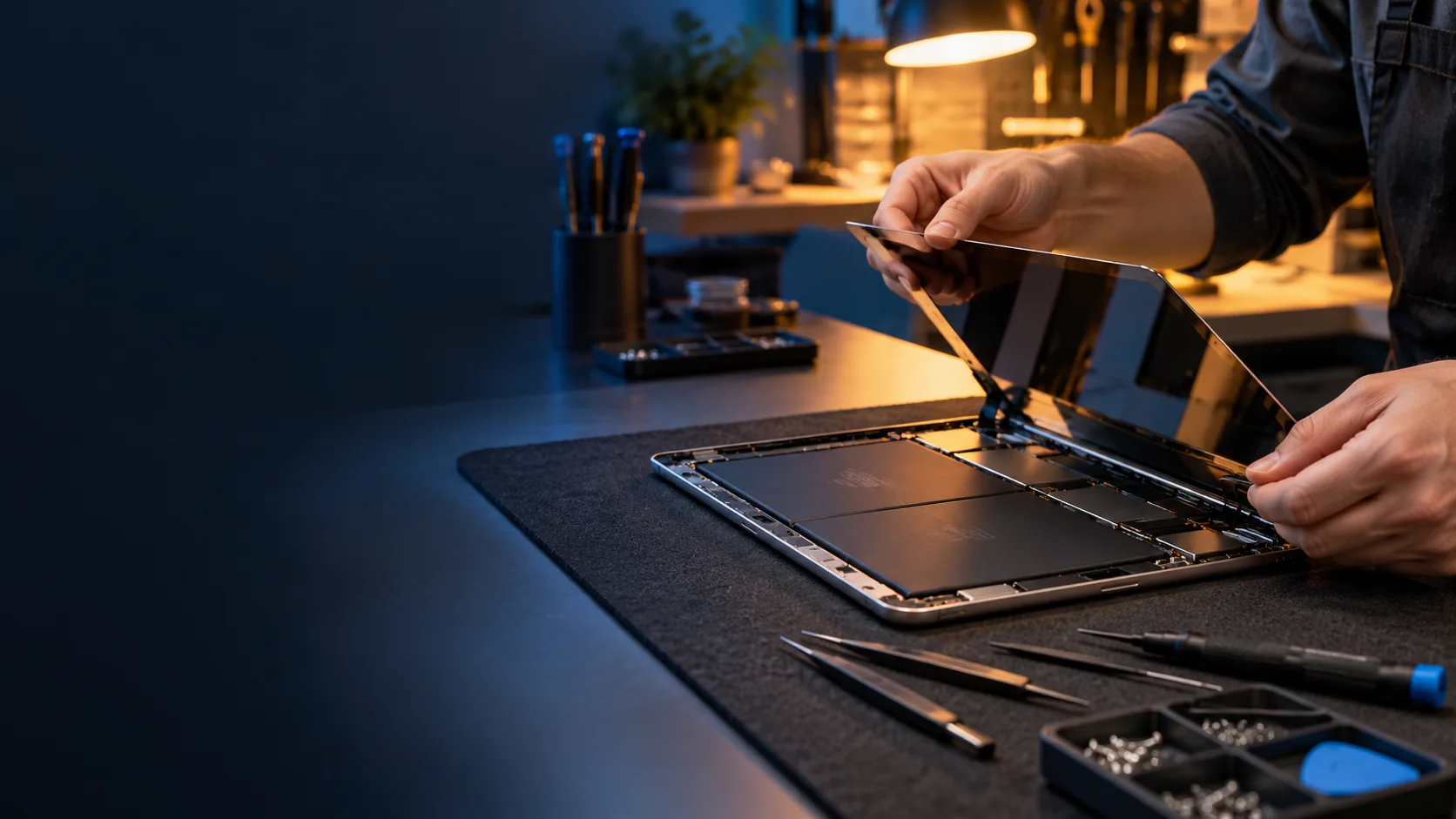
Fill this in and open a prepared text to PhoneBoss. You can review everything before sending.
If texting does not open, copy the message and text it with the photos to 443-985-5336. PhoneBoss will review the details and confirm any offer.
See the current cars and PhoneBoss member prices below. Vehicles are sold as is and viewed by appointment. Contact us to confirm availability and arrange a test drive.
We service the Baltimore area. We come to you when you need help on the road.
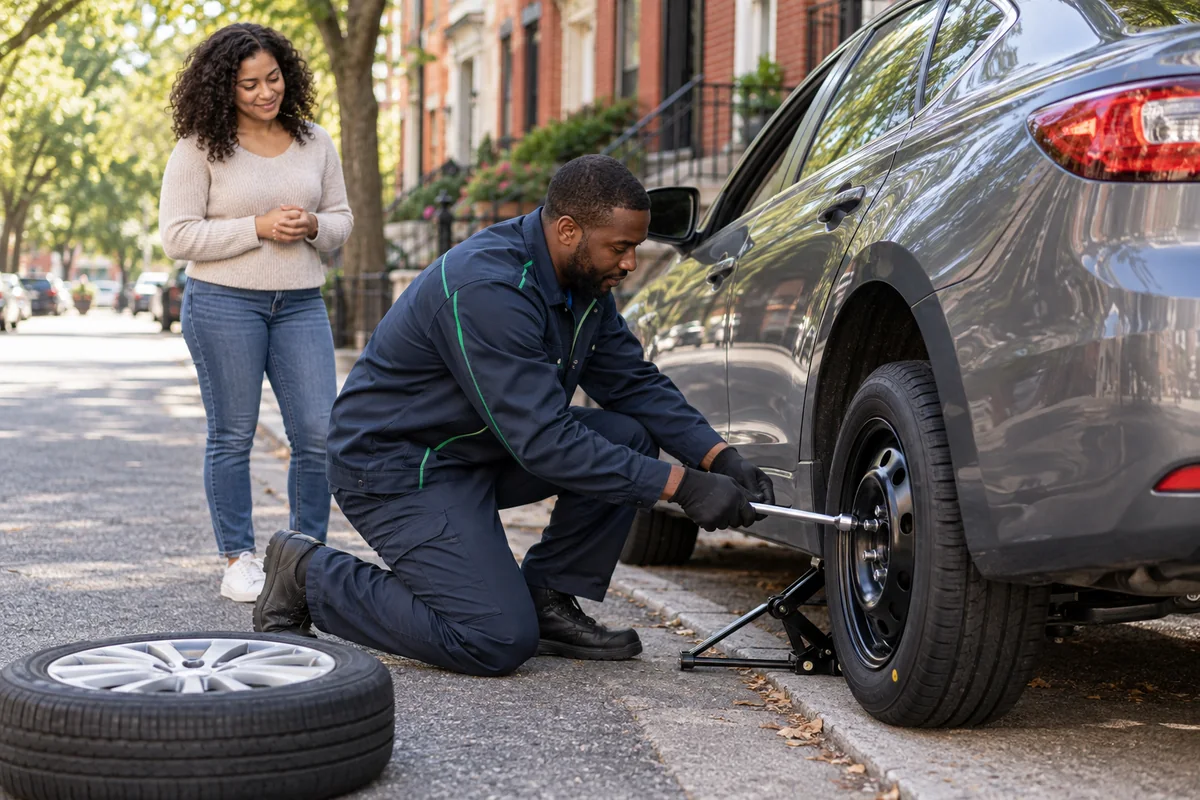
We can change your tire using your spare, or help remove your old tire and travel to a tire shop for a new one. We don’t sell tires.
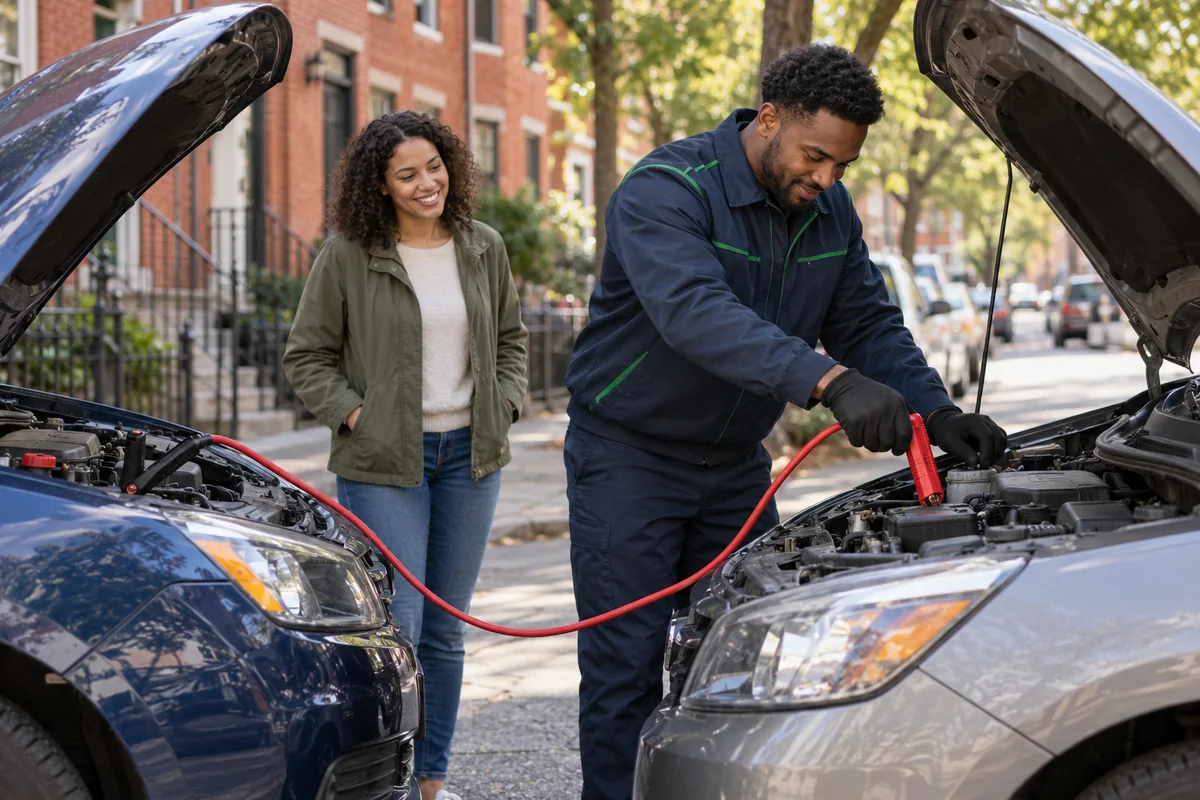
Request help when your vehicle needs a jump start.
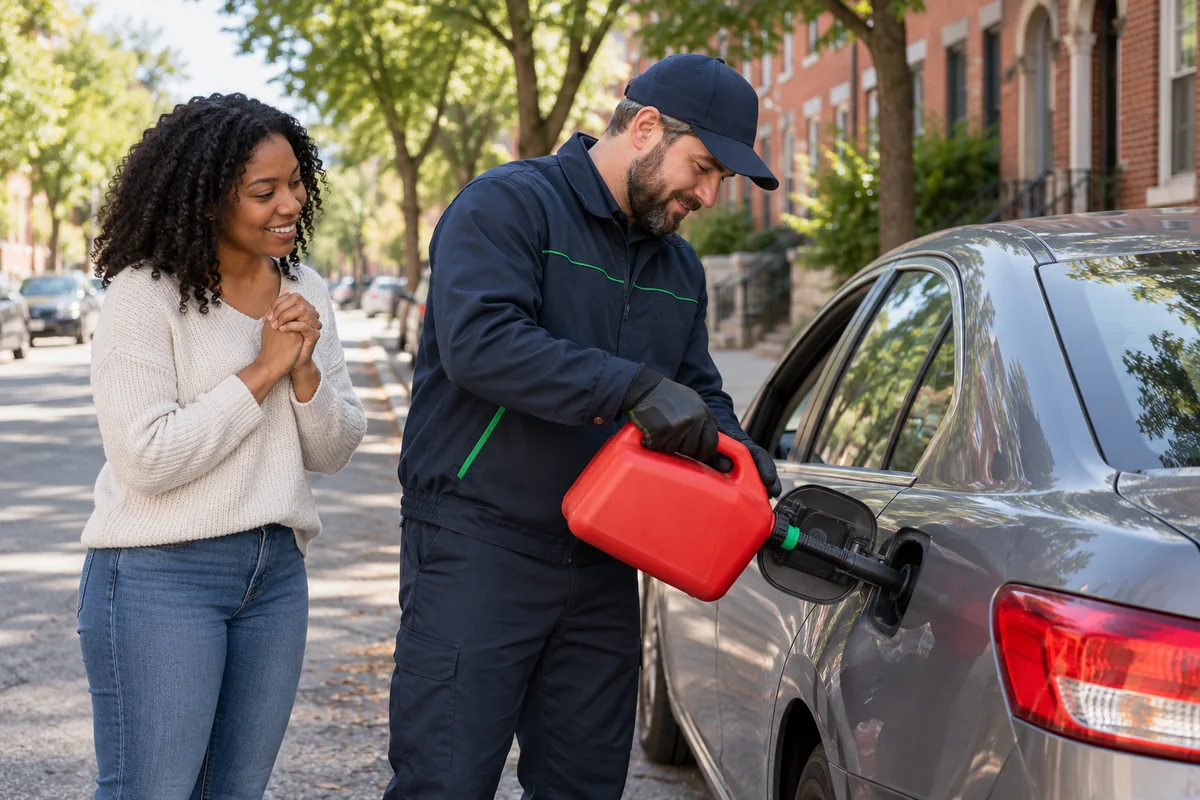
Let us know if you’ve run low on gas.
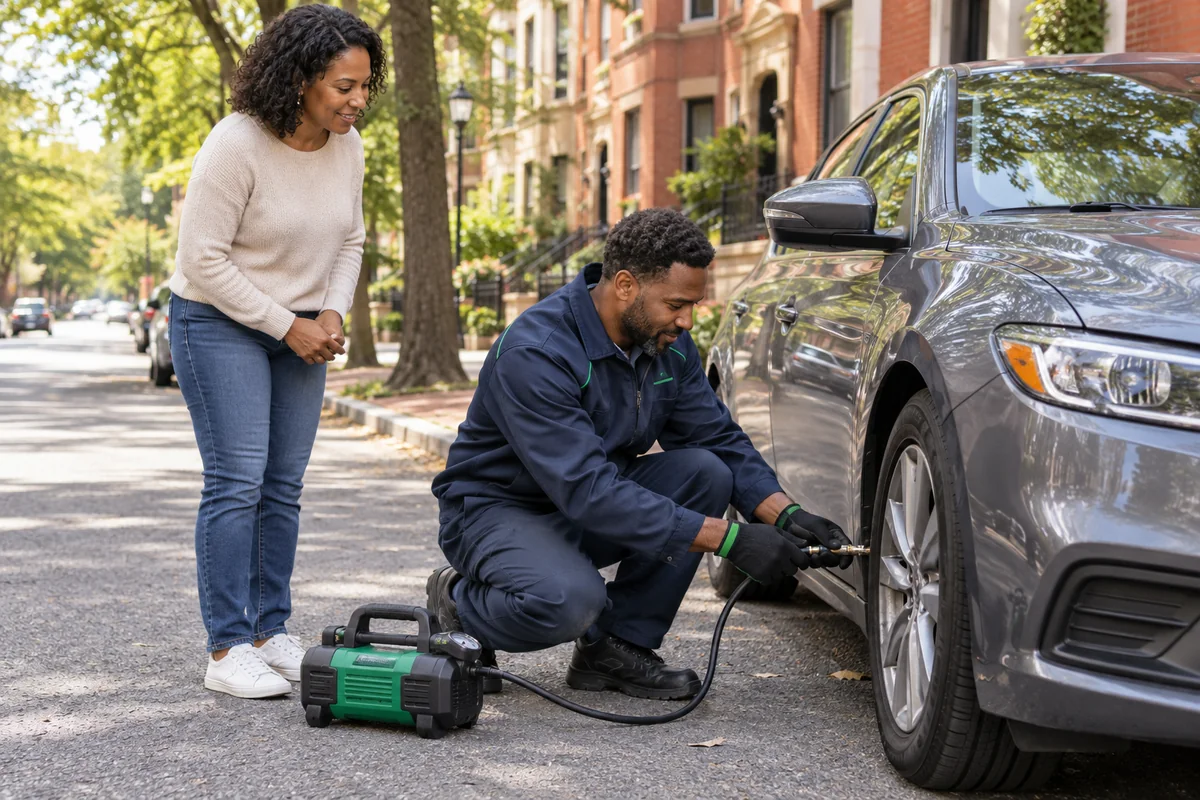
Request help when your tires need air.
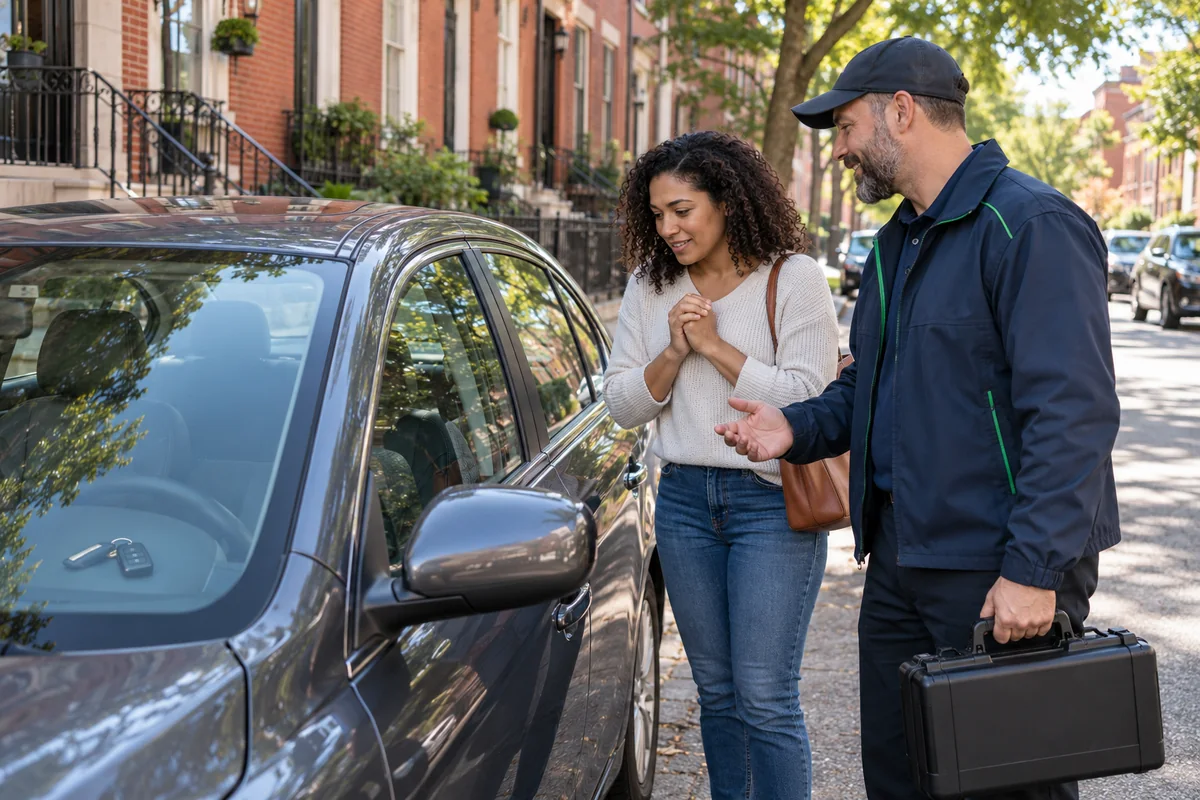
Locked out of your vehicle? Text us about help getting back in.
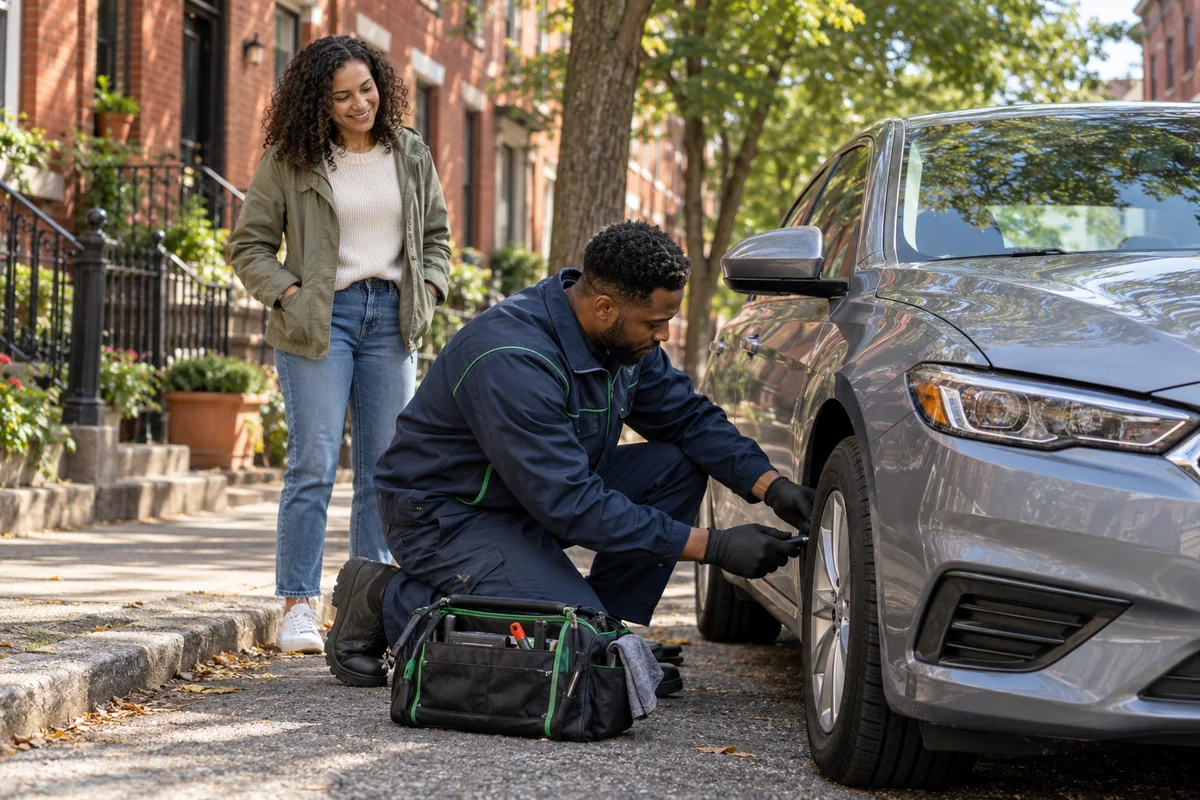
Ask about help with a punctured tire.
Choose the service, your location, and your vehicle. PhoneBoss will reply about availability and next steps.
If Messages doesn’t open, copy the message and text it to 443-985-5336. Replace any brackets before you send. PhoneBoss confirms free-offer eligibility and availability before dispatch.
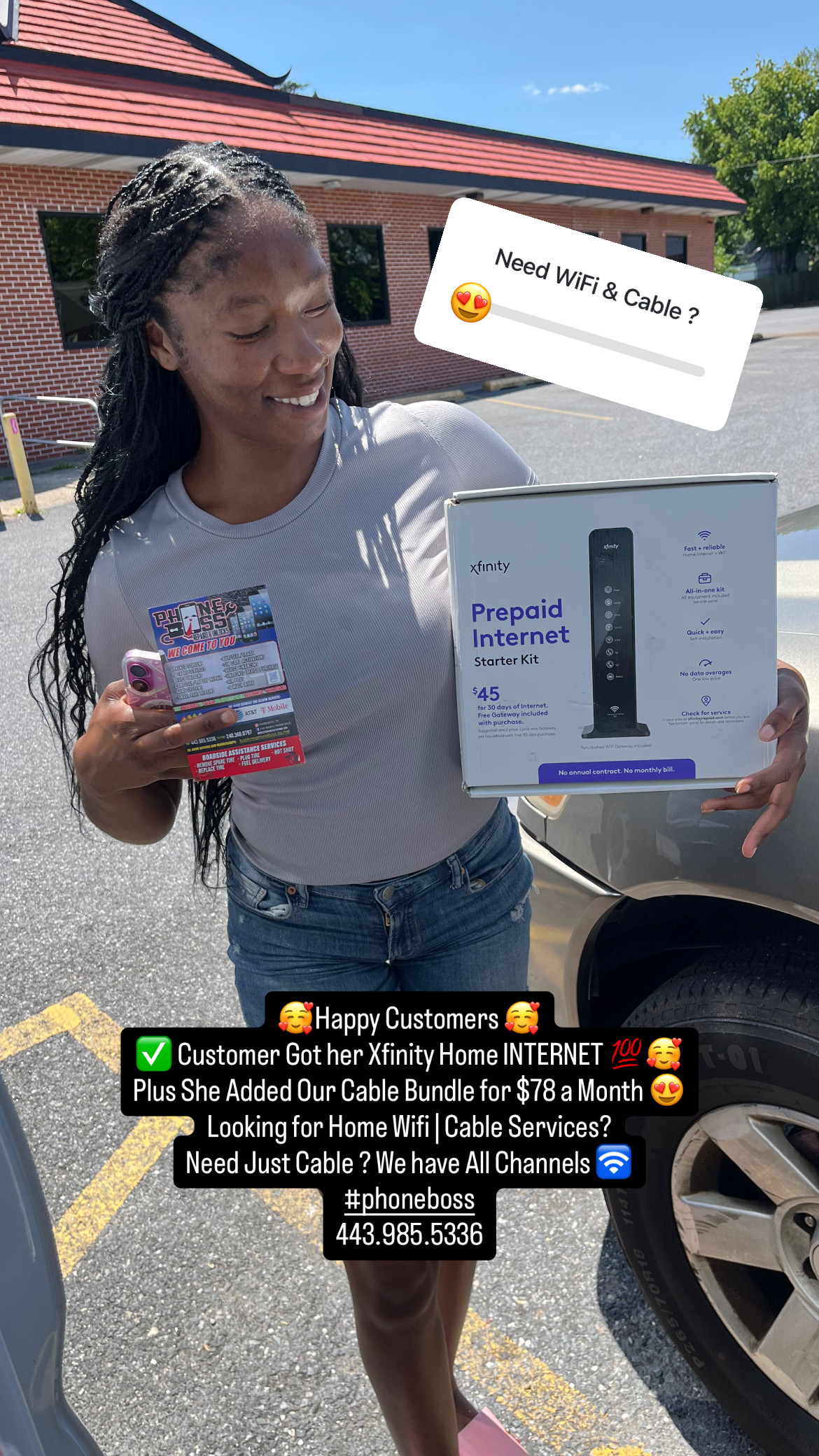
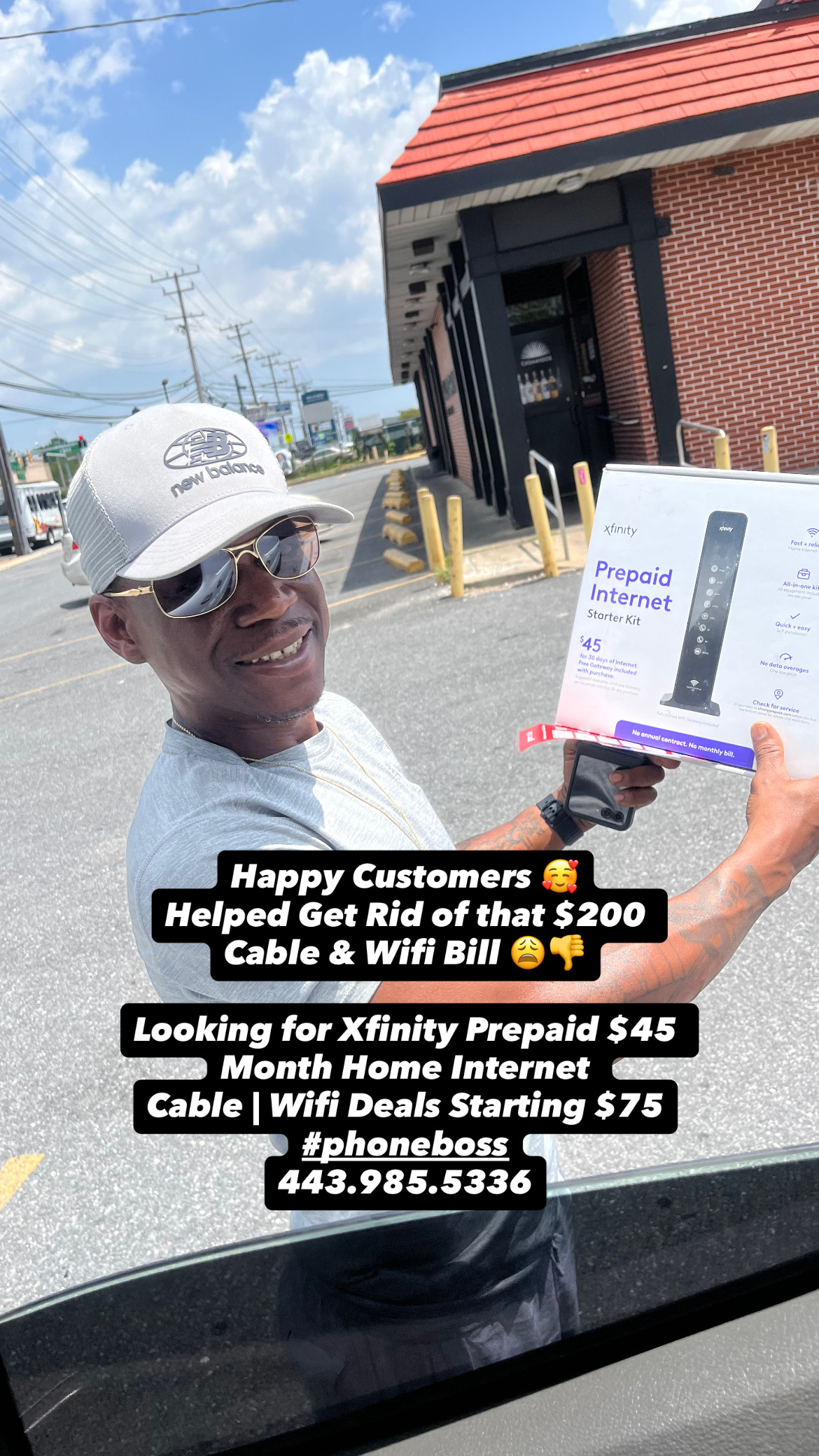
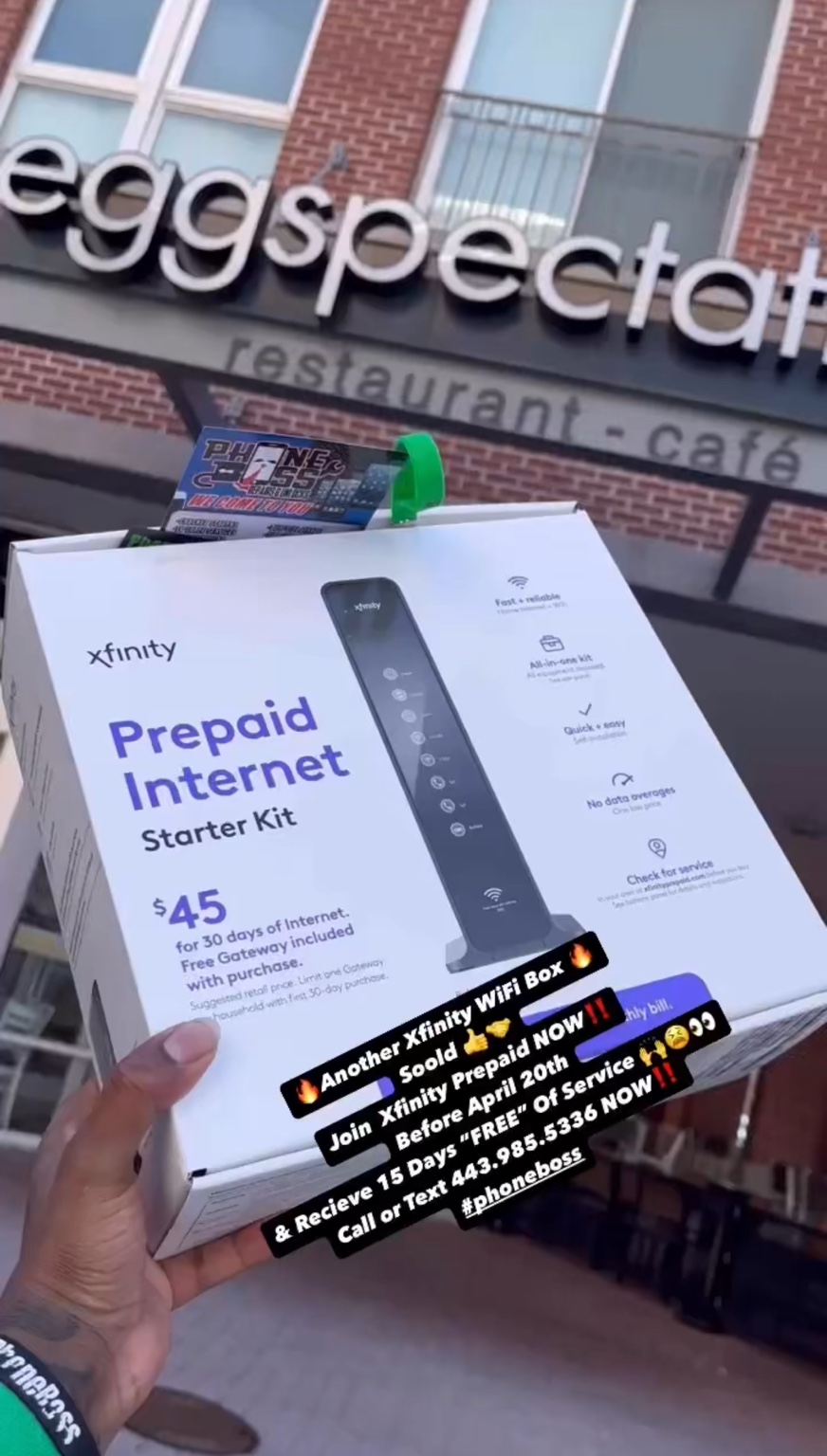
Authorized DealerHome internet or internet with cable? See both options here, then text your service address so we can check availability.
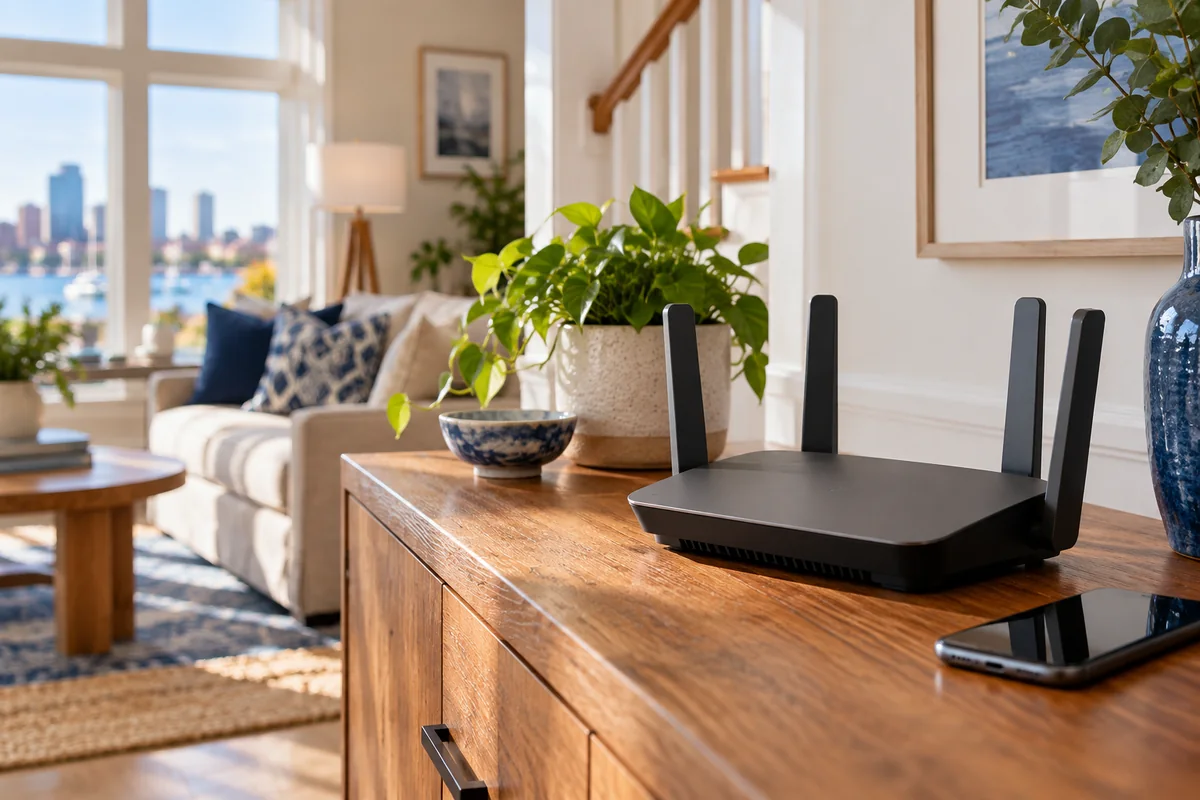
Owe a past internet bill? Looking for cheaper home services? Ask about prepaid home internet. You may still have options.
Text us your address so we can check eligibility, availability, and the final offer before you book.

Want internet and cable together? Ask us about cable services and pricing available at your home.
Enter your contact details and service address. We’ll prepare a complete text for you to review and send to PhoneBoss.
Available points: 0
Choose your points here, then send the prepared request. PhoneBoss will give you the final quote and confirm how much can be applied. No points are deducted until a paid sale is approved. Point requests on this preview are saved on this device only.If your phone doesn’t open Messages, copy the message above and text it to 443-985-5336. You review and send the text yourself. PhoneBoss checks availability before booking.
Yes, it may be possible to get prepaid services even if you owe a past bill. We’ll need to check your service address before confirming what’s available for you.
Getting started is quick. Once we confirm your address is eligible, we’ll go over the options for picking up the internet box from our location or having it delivered or shipped. We’ll confirm the timing and availability with you.
No worries. Once we confirm your address is eligible for prepaid Xfinity service, Xfinity can schedule a technician to come out and handle the wiring at no charge.
Locked out of your phone? Need help with a carrier or a new plan? Start with the service you need.

We can check your device and explain which unlock options may be available.
Tell us what’s showing on your phone. We’ll check eligibility and the next step before promising a result.
Locked out by a passcode or seeing an unavailable or disabled screen? Ask us to check your options.
We can review the IMEI and explain what options may be available for your device.
Ask about removal for an eligible device when you have ownership or administrator authorization.
We’ll check the phone and carrier requirements to see if an unlock is possible.
Ask us about AT&T or Boost Mobile unlocks, or activation for an unlocked phone. We confirm what’s possible after an IMEI check.
 AT&T
AT&T Boost Mobile
PhoneBoss is an independent service provider and is not affiliated with these carriers.
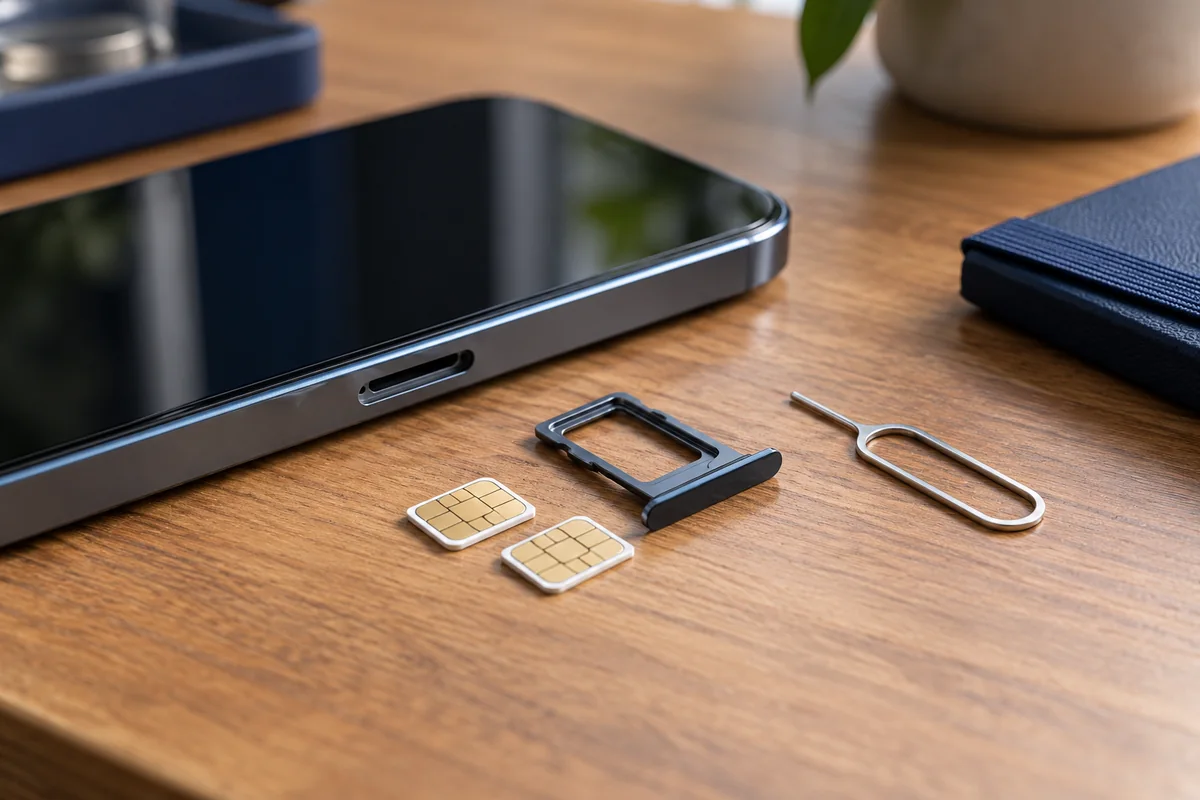
Ask us about using a SIM card or choosing service for your phone. We’ll confirm current plan options with you.

We can help activate eligible unlocked devices and get service set up.
Clean IMEI, a phone that isn’t paid off, or service that has been cut off—we check the IMEI before confirming whether we can help and what it may cost.
 Authorized Dealer
Start with one month, or tap a plan to compare the multi-month savings. The $40 and $50 plans include an extra PhoneBoss discount.
One month option · hotspot included
10GB hotspot included
10GB hotspot included
10GB hotspot included
10GB hotspot included
*From the U.S. to eligible destinations; restrictions apply. Ask us to check your destination.
Prices are a PhoneBoss preview and may change before launch. We’ll check your IMEI to confirm plan eligibility and the final total.
Text us your IMEI number. We’ll check what unlock, activation, or lower-cost plan options may be available for your device.
Available points: 0
Choose your points here, then send the prepared request. PhoneBoss will give you the final quote and confirm how much can be applied. No points are deducted until a paid sale is approved. Point requests on this preview are saved on this device only.If Messages doesn’t open, copy the request and text it to 443-985-5336. If you skipped the IMEI field, replace the brackets in your text before sending.
Your completed repairs and earned perks will live together here.
Browse services and offers now. Sign in when you have a completed job to view your own points and repair history.
Your approved account-wide discount appears in Shop. On a repair, PhoneBoss confirms the discount when completing your ticket. Discounts do not stack with another coupon or points. This is a visual preview only.
Your account discount
Booking coupon pending setup
Once your account and repair records are connected, your completed jobs will appear here with their service and date. Past Clover jobs are not imported into this new rewards program.
Draft points vary by purchase type. They post after PhoneBoss confirms the paid sale. Redeem some points for money off or save them for an item.
Points are based on the final amount paid after discounts and before tax. For example, $100 paid earns 100 points.
Whole dollars count toward points. Returns or refunds reverse the points from that purchase. This is a preview.Choose a discount above to see its point cost before requesting it. PhoneBoss confirms the final quote and discount. This is a same-browser preview.
Join the app, make purchases, and collect points to unlock more rewards.
We want to serve you the best way we can. Have an idea or suggestion? We would love to hear it.
PhoneBoss Repairs & Unlocks serves the Baltimore area for repairs and ships to all 50 states. We also offer activation, accessories, home internet options and roadside help. We Come to You; any travel fee is confirmed before a visit.
Show this ID when you book or visit PhoneBoss.
Preview only. The test name and codes stay in this browser for lookup. Email, phone, birthday, and address disappear after refresh. Secure accounts are not connected yet.
Ask a friend to scan your QR code or send them your invite link. It carries your member ID to the app’s guest front page, where your friend can explore services and join.
Spend points on an eligible repair or shop purchase: 250 points take $5 off, and 500 points take $10 off. PhoneBoss confirms the final credit at checkout.
Member ID: PB-000001Private preview: scanning and signup attribution can be tested by the owner. Customer access and automatic points for both accounts require secure signup and referral tracking before launch.
We service the Baltimore area for repairs and ship to all 50 states. Call or email to confirm availability.
Need an iPhone repair today? Send a meetup request below. We will text back to confirm your time and where to meet. For another day, or for an iPad, Android phone, or computer, request an appointment.
The same-day iPhone meetup form is in , alongside all repair appointment choices.
We offer delivery, with an additional charge based on your location. Driver delivery is also available for items. Contact us to confirm the item and delivery fee; you can pay by Cash App or Zelle, and a driver will bring it to you.
| Day | Business Hours | Travel Service Hours |
|---|---|---|
| Monday | 9 AM–9 PM | 10 AM–7 PM |
| Tuesday | 9 AM–9 PM | 10 AM–7 PM |
| Wednesday | 9 AM–9 PM | 10 AM–7 PM |
| Thursday | 9 AM–9 PM | 10 AM–7 PM |
| Friday | 9 AM–9 PM | 10 AM–7 PM |
| Saturday | 9 AM–5 PM | 10 AM–5 PM |
| Sunday | Closed | Closed |
We can come to you. Travel fees depend on your location and are confirmed before the visit.
See service details and our general repair policy on the Book a Repair page.
We want to serve you the best way we can. Have an idea or suggestion? We would love to hear it.
Browse accessories, devices, and cars in one place.
Open a section below to view influencers, customers, rewards, sales, or products.
Write a message to preview how an announcement appears when a member opens the app. This draft stays on this device; it does not send to customers or phones.
The General QR opens the landing page. The red Influencer QR remains a private preview until secure partner accounts launch.
Choose 10%, 25%, or 50% off for each influencer account. They see discounted item prices and their own account code. Add an Acuity coupon after you create it in Acuity for their booking discount. Regular members keep standard pricing.
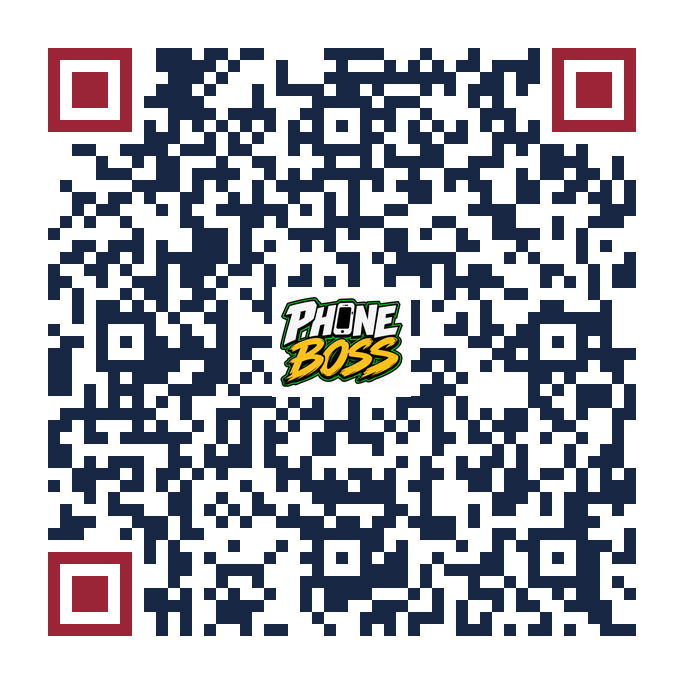
The red QR opens the public influencer entry page. Create a partner record first, then give them the shared QR and their one-time activation code. This request does not activate an account or discount by itself.
Set each partner’s account-wide percentage below. Their unique account code identifies the person in your portal. The Acuity coupon applies the booking discount when you set up the matching coupon there.
Give each influencer a customer promo code. A new signup using it adds 50 points to the customer and 50 points to the influencer in this preview. Choose the influencer’s account discount below. You can pause a code at any time.
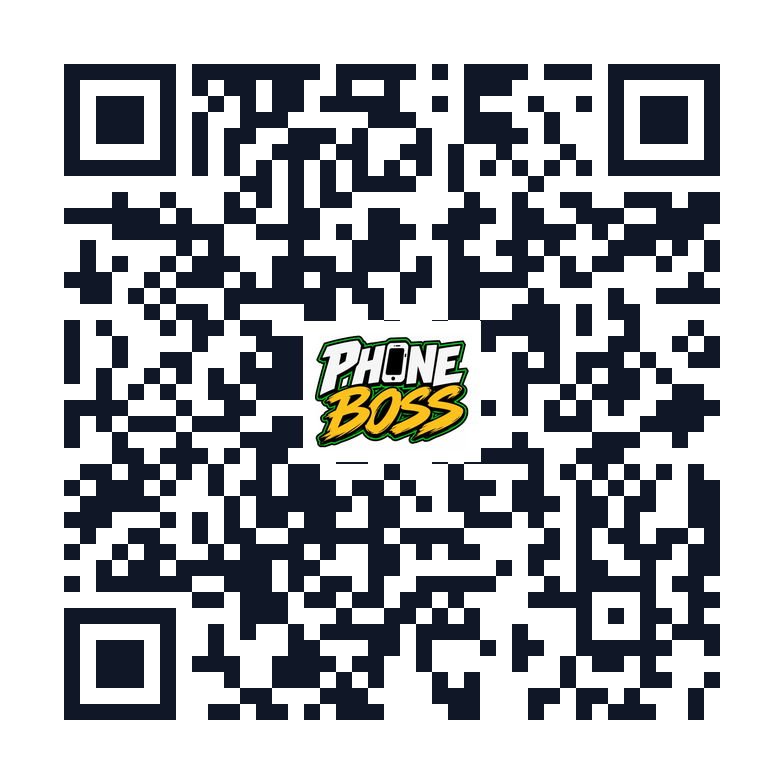
This general QR opens the public landing page. Join buttons there lead to the welcome and signup request page.
Download General QRSee every sample member in this browser, then search by name or Member ID. Block or restore a sample account below to preview the owner control. Real members require a secure shared customer database.
Preview only. The sample list and block switches stay in this browser; contact information is not saved. No real customer account is blocked here.
Before launch: The live owner dashboard must block the account and its verified phone number in the shared database, check that block during sign in and signup, and keep an owner record of the reason and any restoration. A phone number alone cannot guarantee someone cannot return with a different number.
Search a Member ID or offer code. For a free roadside job, verify eligibility and availability before dispatch, then confirm the one-time offer. For a paid repair, enter the final amount paid before tax after verifying the sale; every full dollar gives one point.
Search a Member ID or redemption code. Verify the discount was applied at checkout, enter the final amount paid before tax, and confirm. The requested points are held until confirmation or cancellation.
Set the matching coupon for each repair offer after creating it in Acuity. The customer sees the sale and enters that coupon for the booking discount. Once you confirm the paid repair, points equal the final dollars paid before tax.
Once you confirm a pending offer, it moves here, disappears from the customer’s available offers, and the final amount paid becomes points at $1 = 1 point.
Enter a sale amount and pick the dollar discount. This shows what the member would pay and how many points they would have left. Your point rules below control the calculation.
Sample member balance and draft point rules. No charge or point deduction happens here.